Troubleshooting, Crash Recovery and Fixes
Root causes and verified solutions from rob646464/luigis-mansion-recompiled issue reports, crash recovery prompts and platform logs.
- Latest Fixes: v1.1.6 (#25, #37, #43)
- Logs: last_run.log & previous_run.log
- Disc Check: Automatic CRC-32
- Recovery: Built-in startup prompt
First step: update to v1.1.6 and check crash recovery
Between v1.0 (October 14, 2026) and v1.1.6 (November 3, 2026), upstream resolved over a dozen startup, memory, audio and Linux driver bugs. Before changing drivers or deleting saves, make sure you are running v1.1.6 via F1 > Game > Updates or the download page.
Since v1.1.2, if a run crashes during startup or gameplay, the next launch automatically displays a Crash Recovery prompt (tracked via last_run_state.ini) letting you reset graphics/settings, rebuild the compiled game module or temporarily set saves aside without losing data, and killed runs no longer wipe your compiled Dawn shader cache.
Verified issues & upstream fixes ledger
| Symptom | GitHub Issue | Root Cause & Fix |
|---|---|---|
Crash on START at title screen (call to null lr=80047B20) | #37 | Corrupted or modified disc dump (e.g. damaged res_slct.szp). v1.1.6 checks every disc file by size + CRC-32 during setup and warns immediately; re-dump your retail disc cleanly. |
| Brief ~0.85 s freeze once every 60 seconds | #43 | Regression in v1.1.5 where the 60-second [mem] logger walked 1.1–1.4 GB of process heaps on the host thread. Fixed in v1.1.6 (background thread + heap walk off by default). |
| Thunder / music crackle walking up to the mansion | #25 | TMansion.afc / TMOpen.afc audio stream started twice across main and sound threads. Fixed in v1.1.6 across USA, PAL and Japan. |
| Black screen on Linux / Steam Deck above 30 FPS | #2, #11, #26 | Infinite PLT recursion in Linux hypotf shim when 2D interpolation blended sliding UI elements. Fixed in v1.1.5. |
| Freeze after ~20 seconds on Linux with NVIDIA GPU | #2 | Per-frame GPU completion check stalled proprietary NVIDIA Vulkan drivers. Disabled on Linux in v1.1.4+. |
| Memory climbing ~12 MB/minute or 11 GB RAM on cold compile | #34 | Unreclaimed stack GXTexObj entries, stale EFB copy textures and retained Tint shader ASTs. Fixed in v1.1.5 (cold Enhanced Lighting dropped to ~2.9 GB and 254 -> 105 s). |
| Slow "Preparing shaders" on 60 Hz monitors | #33 | Hold screen drew at 115 FPS and blocked on GetCurrentTexture device lock at 60 Hz. Fixed in v1.1.5 (warm Ultra load dropped 8.7 -> 1.8 s). |
| Music volume slider at 0 leaves music audible | #29 | Sequenced BGM tracks bypassed the stream volume multiplier. Fixed in v1.1.5. |
| Steam Deck OLED runs at 45 FPS when set to 60 FPS | #11 | Gamescope forces VSync at even divisors of 90 Hz. Pick 90 FPS / Match display refresh rate in F1 > Visuals, or set SteamOS screen refresh to 60 Hz. |
| Startup abort on Linux with 2x or 8x MSAA | #14 | Dawn Vulkan only supports 1x and 4x sample counts. Fixed in v1.1.2+ by clamping saved MSAA to device limits. |
| Crash or 10 FPS drop opening first Parlor key door | #2, #10 | 1 MiB guest MEM1 arena shortfall corrupted low memory during model decompression. Fixed in v1.1.1+. |
| Audio 23 seconds ahead of video at Original 30 FPS | #13 | Redundant per-draw early-Z state calls slowed 4K Ultra below 30 FPS. Fixed in v1.1.1+. |
| No vibration on Xbox Series X controller (Windows) | #12 | Single duration-0 rumble request dropped before XInput correlation. Fixed in v1.1.1+ with refreshed 500 ms SDL3 rumble + Test rumble diagnostic. |
Platform-specific quick fixes
Windows 10 & 11
- Silent failure in very deep folders: Keep your installation path shorter than 234 characters. Prebuilt Dawn/Direct3D 12 libraries fail silently past Windows path limits, so
v1.1.2+warns and refuses overly deep install paths. - Portable Mode greyed out: Move the game folder out of
C:\Program FilesorC:\Program Files (x86)into a writable directory such asC:\Games\LuigisMansionRecompiled. - USB GameCube Adapter (
057E:0337) not detected: Use Zadig to bind interface 0 to the WinUSB driver so SDL3 can claim all four ports.
Linux & SteamOS
Permission deniedon start: Extract the.tar.gzarchive (which keeps executable permissions) or runchmod +x LuigisMansionRecompiled.sh LuigisMansionRecomp llvm/bin/clang llvm/bin/ld.lld.No Vulkan adapteror black window: Confirm Vulkan drivers withvulkaninfo --summary; on very old GPUs without Vulkan, testLM_BACKEND=gles ./LuigisMansionRecompiled.sh.Browse...file dialog does not open: Installxdg-desktop-portal/zenity, paste the full ISO/RVZ path into the text box beside Browse... and click Use, or pass--us-disc /full/path/game.rvz(--pal-disc,--jpn-disc).- Wayland compositor window/focus quirks: Run
SDL_VIDEO_DRIVER=x11 ./LuigisMansionRecompiled.sh.
macOS 13+ (Apple Silicon)
- "LuigisMansionRecomp cannot be opened" Gatekeeper dialog: Run
xattr -dr com.apple.quarantine "/path/to/LuigisMansionRecompiled"in Terminal (or right-clickLuigisMansionRecomp > Open). - Long initial "Preparing shaders" wait: Cold Metal pipeline compilation takes roughly 180 seconds on first launch (measured on M3 Pro); allow it to finish cleanly so subsequent warm starts open in seconds.
Where to find last_run.log when filing a bug report
Every session writes GPU adapter details, disc check status, 60-second [perf] / [mem] lines, hang watchdog phases ([hang]) and crash signal addresses to last_run.log (the prior run is kept as previous_run.log):
- Windows:
%APPDATA%\Luigi's Mansion Recompiled\last_run.log(pass--consoleorLM_CONSOLE=1for a live terminal window). - Linux / Steam Deck:
~/.local/share/Luigi's Mansion Recompiled/last_run.log. - Portable Mode:
<game folder>/portable/last_run.log.
Attach last_run.log along with your OS, GPU/driver version and disc region when reporting reproducible bugs at github.com/rob646464/luigis-mansion-recompiled/issues.
Analog L/R PC controllers
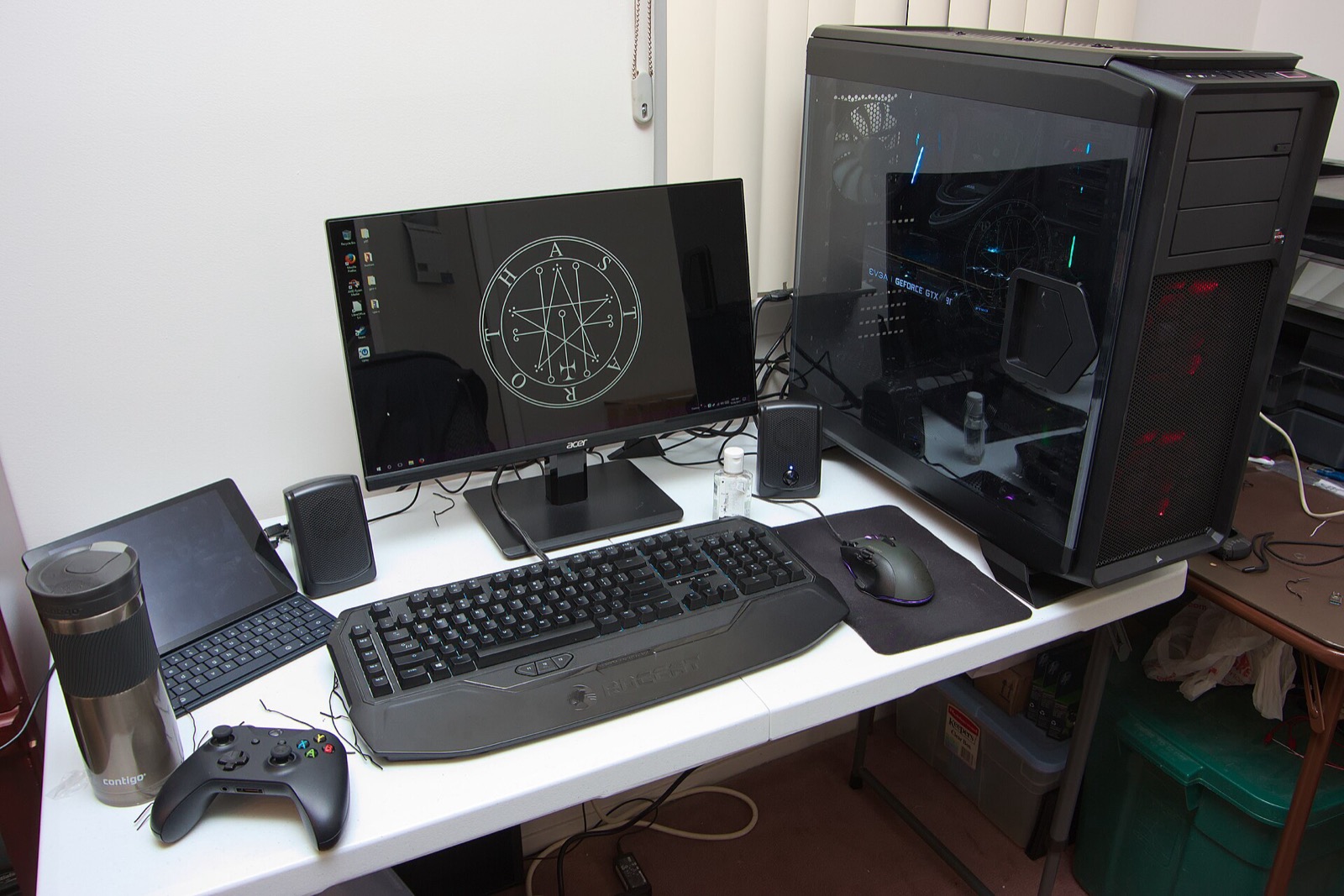
Luigi's Mansion Recompiled reads full analog L/R trigger travel (0 to 150) alongside the 85% digital L/R click threshold for Poltergust 3000 suction and Fire/Water/Ice pressure, plus dual-stick C-stick aiming via SDL3 and DSU:
| Controller | Best For in Luigi's Mansion | Hardware Advantage | Link |
|---|---|---|---|
| GameSir Cyclone 2 | Dual-stage analog & click triggers | TMR sticks + physical microswitch/analog trigger locks matching GameCube L/R click feel | View on Amazon |
| Sony DualSense | Smooth L2/R2 travel & SDL3 / DSU | Long-throw analog L2/R2 sensors, crisp D-pad for Game Boy Horror, USB/Bluetooth SDL3 | View on Amazon |
| 8BitDo Ultimate 2 Wireless | Windows, Linux & SteamOS dock play | Zero-drift TMR sticks, Hall analog triggers, charging dock, 2.4 GHz & Bluetooth switch | View on Amazon |
| Xbox Wireless Controller | Plug-and-play Windows 10/11 | Native SDL3 XInput binding with 500 ms refreshed rumble and 85% trigger click threshold | View on Amazon |
As an Amazon Associate, this site earns from qualifying purchases.
Common questions
How do I perform a clean reset without losing my GameCube ISO?
Your GameCube ISO/RVZ is never modified or stored inside the cache folders. Back up your USA/Card A, EUR/Card A or JAP/Card A save folders if desired, then delete %APPDATA%\Luigi's Mansion Recompiled on Windows (or the Luigi's Mansion Recompiled folders under ~/.config, ~/.local/share and ~/.cache on Linux) to trigger a fresh setup.
Does force-closing the game delete my compiled shader cache?
Not since v1.1.2. Only three consecutive genuine startup crashes trigger an automatic shader-cache reset; normal force-kills preserve compiled Dawn pipelines.