Install and First-Run Disc Setup
How to connect your retail GameCube disc image, run the 20–60 second bundled LLVM build, enable Portable Mode and manage Dolphin-compatible .gci saves.
- Formats: ISO, RVZ, GCM, WIA, GCZ, CISO
- Discs: GLME01, GLMP01, GLMJ01
- Compile time: ~20–60 s
- Saves: Dolphin .gci folders
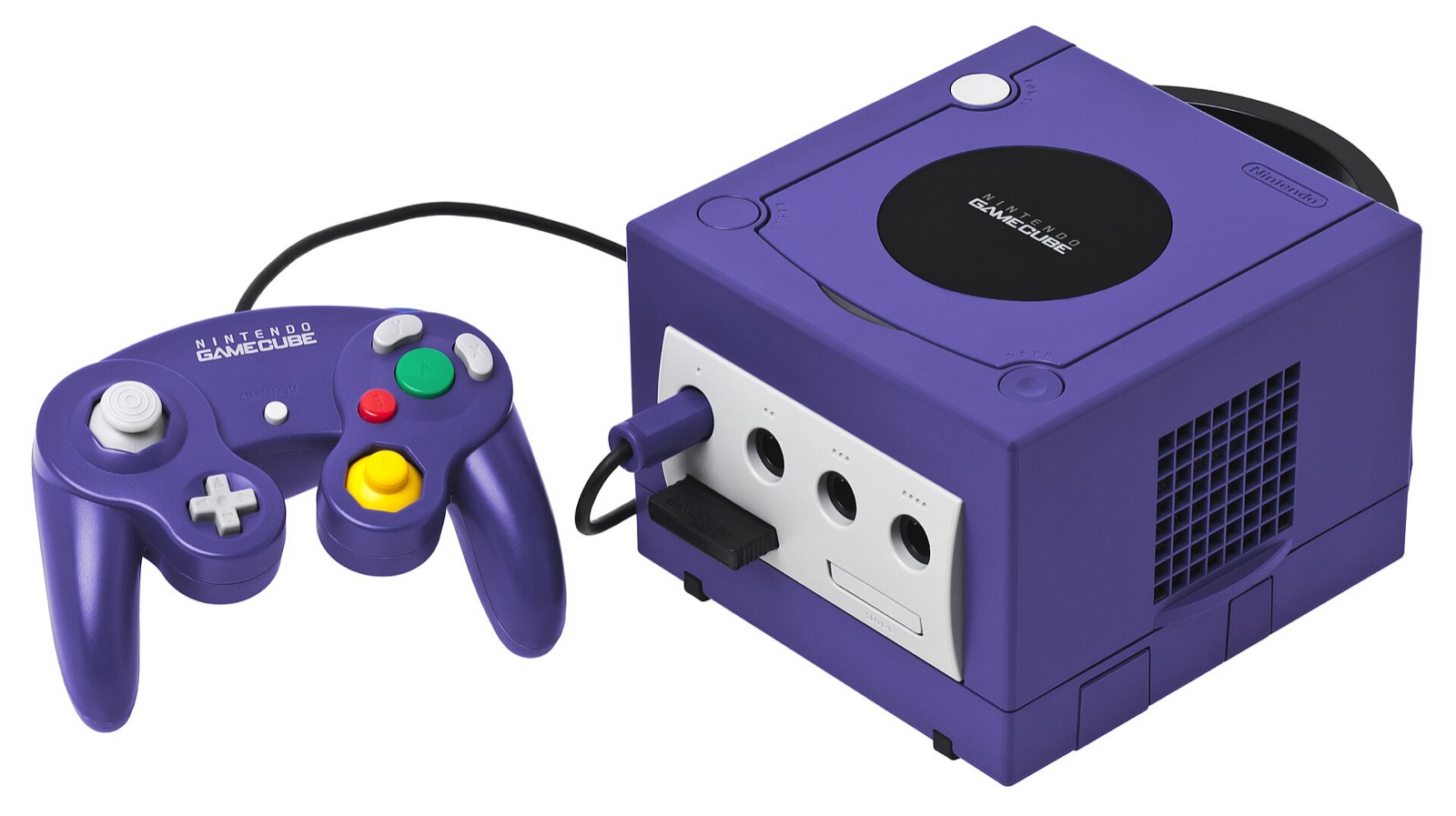
What you need before first start
rob646464/luigis-mansion-recompiled ships zero Nintendo game files. Before launching the program, have ready:
- A verified release archive from the download page (
v1.1.6recommended) extracted into a normal user folder with at least 2 GB of free space. - Your own unmodified GameCube disc image from your legally owned copy of Luigi's Mansion. Through Aurora’s
noddisc library, setup readsISO,GCM,RVZ,WIA,GCZ,CISO,NFS,TGCor an extracted disc folder directly without modifying or copying your disc file.
| Game ID | Region | Role in Luigi’s Mansion Recompiled |
|---|---|---|
GLME01 (rev 0) | USA (NTSC-U) | Supported base disc; USA Normal & USA Hidden Mansion; 122 s Pikmin movie; full Unused Content hooks |
GLMP01 (rev 0) | Europe / Australia (PAL) | Supported base disc + builds PAL Hidden Mansion overlay (mirrored mansion, darker rooms, vacuum-riding Boolossus) |
GLMJ01 (rev 0) | Japan (NTSC-J, added in 1.1.6) | Supported base disc + E. Gadd lab Japanese Mansion & Japanese Hidden Mansion rules; saves in JAP/Card A |
GLME01 (USA) and GLMP01 (Europe) – and optionally GLMJ01 (Japan) in v1.1.6+ – lets E. Gadd’s lab offer every version’s Normal Mansion and Hidden Mansion on a single installation. Modified ROM hacks, non-rev-0 dumps or damaged ISOs are flagged by the built-in CRC-32 file checker (#37).Windows 10 & 11 setup steps
- Extract the ZIP archive into a short, writable path such as
C:\Games\LuigisMansionRecompiled. Avoid extracting insideC:\Program Files(read-only permissions disable Portable Mode) and keep the folder path under 234 characters so Dawn’s Direct3D 12 cache opens cleanly. - Launch
LuigisMansionRecomp.exe. If Microsoft Defender SmartScreen warns about an unsigned executable, confirm your ZIP’s SHA-256 digest first, then select More info > Run anyway. - Select your disc image(s). Click Browse... for the USA (
GLME01), European (GLMP01) and/or Japanese (GLMJ01) slots, then click Install. - Wait 20–60 seconds for native compilation. The in-process recompiler lifts
main.dolto 32 C++ translation units, invokes the bundledllvm\bin\clang.exeandlld-link.exeto build your native game module DLL, builds the Hidden Mansion overlay when multiple discs are present, and runs the one-time Preparing shaders pass frompipelines.bin. - Play. Every subsequent start skips compilation and loads warm cached shaders in roughly
0.5–2.0 s. Reopen disc setup anytime viaF1 > Game > Add or change discs...orLuigisMansionRecomp.exe --setup.
Linux x86_64 setup steps
tar xzf LuigisMansionRecompiled-1.1.6-linux-x86_64.tar.gz
cd LuigisMansionRecompiled-1.1.6-linux-x86_64
./LuigisMansionRecompiled.sh- Always prefer the
.tar.gzarchive because it preserves executable bits onLuigisMansionRecompiled.sh,LuigisMansionRecomp,llvm/bin/clangandllvm/bin/ld.lld. If you unpacked an older.zipand seePermission denied, runchmod +x LuigisMansionRecompiled.sh LuigisMansionRecomp llvm/bin/clang llvm/bin/ld.lld. - If your minimal window manager lacks
xdg-desktop-portalorzenityand clicking Browse... does not open a file chooser, paste the full disc path directly into the text box beside Browse... and click Use, or pass--us-disc /path/to/GLME01.rvz,--pal-disc /path/to/GLMP01.rvzand--jpn-disc /path/to/GLMJ01.rvzonce on the command line.
macOS 13+ (Apple Silicon M1+) setup steps
The macOS build (merged via community PR #31 in v1.1.5) is compiled on GitHub Actions for Apple Silicon Macs running macOS 13 Ventura or newer via Metal. Because it is unsigned and not notarized:
tar xzf LuigisMansionRecompiled-1.1.6-macos-arm64.tar.gz
xattr -dr com.apple.quarantine LuigisMansionRecompiled-1.1.6-macos-arm64
./LuigisMansionRecompiled-1.1.6-macos-arm64/LuigisMansionRecomp
On an M3 Pro test machine, compiling module.dylib with bundled clang + ld64.lld takes ~28.5 seconds, followed by a ~180-second first-run Metal shader preparation pass.
Where saves, settings & compiled modules live
| Environment | Config / Settings Folder | Compiled Module, .gci Saves & Caches |
|---|---|---|
| Windows 10/11 (default) | %APPDATA%\Luigi's Mansion Recompiled\ | game\, USA\Card A, EUR\Card A, JAP\Card A, texture_packs\, last_run.log |
| Linux x86_64 / SteamOS | ~/.config/Luigi's Mansion Recompiled/ | Data in ~/.local/share/Luigi's Mansion Recompiled/; shaders in ~/.cache/Luigi's Mansion Recompiled/ |
| macOS 13+ Apple Silicon | ~/Library/Application Support/Luigi's Mansion Recompiled | Shader & pipeline caches in ~/Library/Caches/Luigi's Mansion Recompiled |
| Portable Mode (any OS) | <game folder>/portable/ | Triggered by creating portable.txt or switching in F1 > Game > Data folder |
Memory card saves are written as standard Dolphin-compatible .gci files inside USA/Card A, EUR/Card A and JAP/Card A, making it straightforward to back up or exchange existing GameCube save files.
Portable Mode & automatic GitHub updates
- Portable Mode (
v1.1.2+): Create an empty file namedportable.txt(or an empty folder namedportable) next toLuigisMansionRecomp.exeorLuigisMansionRecompiled.shbefore starting, or convert an existing install safely underF1 > Game > Data folder > Make this installation portable.... Place your disc image inside the game folder too so relative disc paths keep working when you move the folder to another PC or USB SSD. - In-app Updater (
v1.1+): When a new GitHub release is published, the game displays an update notice. OpenF1 > Game > Updatesto download the new package, check its SHA-256 digest and install it in place (requireslibcurlon Linux). Portable installations stay portable across updates.
Analog L/R PC controllers
Luigi's Mansion Recompiled reads full analog L/R trigger travel (0 to 150) alongside the 85% digital L/R click threshold for Poltergust 3000 suction and Fire/Water/Ice pressure, plus dual-stick C-stick aiming via SDL3 and DSU:
| Controller | Best For in Luigi's Mansion | Hardware Advantage | Link |
|---|---|---|---|
| GameSir Cyclone 2 | Dual-stage analog & click triggers | TMR sticks + physical microswitch/analog trigger locks matching GameCube L/R click feel | View on Amazon |
| Sony DualSense | Smooth L2/R2 travel & SDL3 / DSU | Long-throw analog L2/R2 sensors, crisp D-pad for Game Boy Horror, USB/Bluetooth SDL3 | View on Amazon |
| 8BitDo Ultimate 2 Wireless | Windows, Linux & SteamOS dock play | Zero-drift TMR sticks, Hall analog triggers, charging dock, 2.4 GHz & Bluetooth switch | View on Amazon |
| Xbox Wireless Controller | Plug-and-play Windows 10/11 | Native SDL3 XInput binding with 500 ms refreshed rumble and 85% trigger click threshold | View on Amazon |
As an Amazon Associate, this site earns from qualifying purchases.
Common questions
Does setup modify or copy my GameCube ISO / RVZ file?
No. Your disc image is opened read-only. Setup reads main.dol once to compile the native module into game/ and streams assets from your disc image at runtime. Keep the disc file at its selected path (or inside the game folder in Portable Mode).
Can I import my existing Dolphin Emulator .gci save file?
Yes. Copy your .gci save file into USA/Card A (for GLME01), EUR/Card A (for GLMP01) or JAP/Card A (for GLMJ01) inside your data directory while the game is closed.
How do I add a second or third regional disc later?
Press F1 in-game and select Game > Add or change discs..., or launch with --setup from a terminal.