Steam Deck and Linux Native Setup Guide
Install the native Vulkan tarball on SteamOS or desktop Linux, configure 90 Hz OLED Gamescope pacing, and avoid legacy >30 FPS freezes.
- Package: linux-x86_64.tar.gz
- Deck UI Scale: 150% Auto (v1.1.3+)
- OLED Target: 90 FPS at 90 Hz (or 60@60 Hz)
- Freeze Fix: v1.1.5+ (hypotf & NVIDIA)
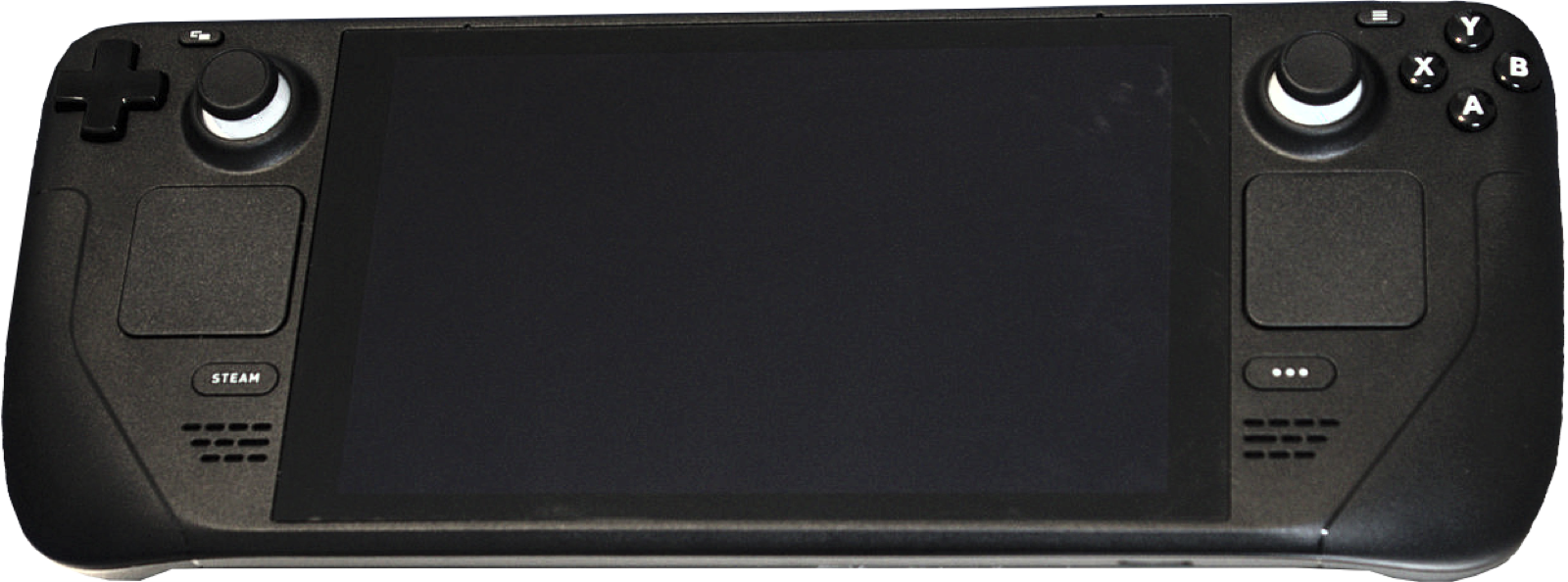
Run the native Linux x86_64 Vulkan build – not Proton
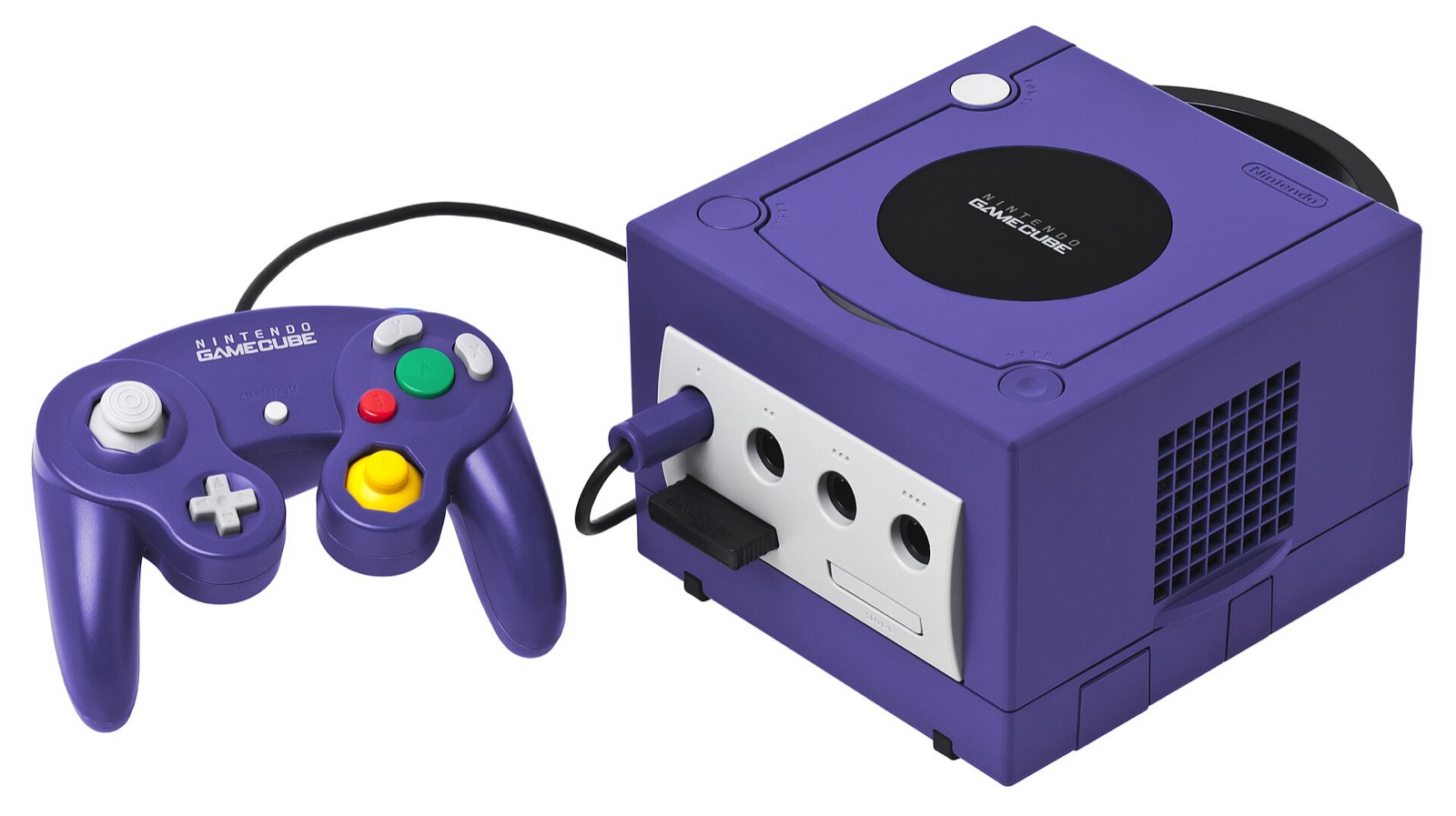
rob646464/luigis-mansion-recompiled ships a first-class native 64-bit Linux & SteamOS tarball (LuigisMansionRecompiled-1.1.6-linux-x86_64.tar.gz, 151.1 MB) running directly on Vulkan via Dawn and SDL3. You do not need Wine or Proton: the native build auto-detects SteamOS Gamescope, scales the F1 menu to 150% for the handheld screen, and compiles your GameCube disc in under a minute with its bundled Linux clang and ld.lld toolchain.
Step-by-step Steam Deck installation (Desktop Mode & Game Mode)
- Switch your Steam Deck to Desktop Mode (
STEAM > Power > Switch to Desktop). - Download
LuigisMansionRecompiled-1.1.6-linux-x86_64.tar.gzfrom the download page and verify its SHA-256 digest (b61eb4a6b9816def...). - Extract the tarball into a folder on your internal NVMe SSD (
~/Games/LuigisMansionRecompiled) or microSD card:
Optional SD card tip: runmkdir -p ~/Games tar xzf ~/Downloads/LuigisMansionRecompiled-1.1.6-linux-x86_64.tar.gz -C ~/Gamestouch portable.txtinside the extracted folder before first launch so your compiled game module,.gcisaves and shader cache stay together on the microSD card. - Launch
./LuigisMansionRecompiled.shonce in Desktop Mode, click Browse... to select yourGLME01/GLMP01/GLMJ01disc image, and click Install (~30–60 s compile + initial shader precache). - Open desktop Steam, click Add a Game > Add a Non-Steam Game > Browse, change file type to All Files, pick
LuigisMansionRecompiled.sh, and add--fullscreenunder Properties > Launch Options (do not force a Proton compatibility tool). - Return to Gaming Mode and launch! In Steam Input, choose the standard Gamepad with Joystick Trackpad template; bind a rear grip button (such as
L4) to keyboardF1andR4toEscso you can open and close the options menu without touching a keyboard.
Critical Steam Deck OLED (90 Hz) vs LCD (60 Hz) frame-rate rule
As documented in packaging/README-linux.txt, SteamOS Gaming Mode (Gamescope) always enforces VSync, meaning presented frame rates must divide the panel’s active refresh rate evenly. If you pick 60 FPS while a Steam Deck OLED panel is running at 90 Hz, Gamescope steps down to the next even divisor (45 FPS, and the game shows a one-time notice). Use one of these exact pairings:
| Handheld Model | Recommended Setting | Result |
|---|---|---|
| Steam Deck OLED (90 Hz panel) | 90 FPS or Match display refresh rate in F1 > Visuals (keep SteamOS at 90 Hz) | Locks evenly to 90 Hz Gamescope VSync (3 interpolated frames per 30 Hz game tick). |
| Steam Deck OLED (60 FPS battery target) | Set SteamOS Quick Access (...) > Performance > Refresh Rate to 60 Hz, then 60 FPS in F1 | Avoids the uneven 90/60 division that otherwise drops Gamescope to 45 FPS. |
| Steam Deck LCD (60 Hz panel) | 60 FPS (interpolated) or Original (30 FPS) in F1 > Visuals | Both 60 FPS and 30 FPS divide 60 Hz evenly out of the box. |
History of the Linux & Steam Deck >30 FPS freeze fixes
If you previously tried v1.0–v1.1.4 on Linux or Steam Deck and hit a black screen after pressing START or unpausing above 30 FPS, update immediately to v1.1.6 (v1.1.5+ resolved the root cause):
| Release | Issues | Root Cause & Upstream Fix |
|---|---|---|
v1.1.5 (2026-10-27) | #2, #11, #26 | Fixed glibc_compat.c exporting a hypotf shim that called itself through the PLT on the first 2D sliding-picture layout blend, curing the black-screen freeze above 30 FPS on every Linux distro and Steam Deck. |
v1.1.4 (2026-10-22) | #2 | Disabled the per-frame GPU completion check on Linux that locked up proprietary NVIDIA Vulkan drivers ~20 seconds after launch. |
v1.1.3 (2026-10-22) | #11, #20 | Forced VSync under SteamOS Gamescope with timer-pacing fallback + hang phase diagnostics, and added F1 > Visuals > Menu size (75–300%, defaulting to 150% Auto on Steam Deck). |
v1.1.2 (2026-10-22) | #9, #14, #16 | Restricted Linux Vulkan MSAA options to supported Off and 4x (fixing 2x/8x startup aborts) and added portable.txt / SD-card Portable Mode. |
Desktop Linux packages & CLI flags
- Ubuntu 22.04+, Debian 12+, Linux Mint 21+, Pop!_OS 22.04+:
sudo apt install mesa-vulkan-drivers vulkan-tools libcurl4(or proprietarynvidia-driver-*on GeForce GPUs). - Fedora 36+:
sudo dnf install mesa-vulkan-drivers vulkan-tools libcurl. - Arch Linux / EndeavourOS / CachyOS:
sudo pacman -S vulkan-radeon(orvulkan-intel/nvidia-utils)vulkan-tools curl. - Useful launcher flags & environment overrides:
./LuigisMansionRecompiled.sh --fullscreen          # Start directly in full screen
./LuigisMansionRecompiled.sh --setup               # Add or swap GLME01 / GLMP01 / GLMJ01 discs
SDL_VIDEO_DRIVER=x11 ./LuigisMansionRecompiled.sh  # Force XWayland/X11 if a Wayland compositor misbehaves
LM_PORTABLE=1 ./LuigisMansionRecompiled.sh         # Use ./portable/ for a single session
Analog L/R PC controllers
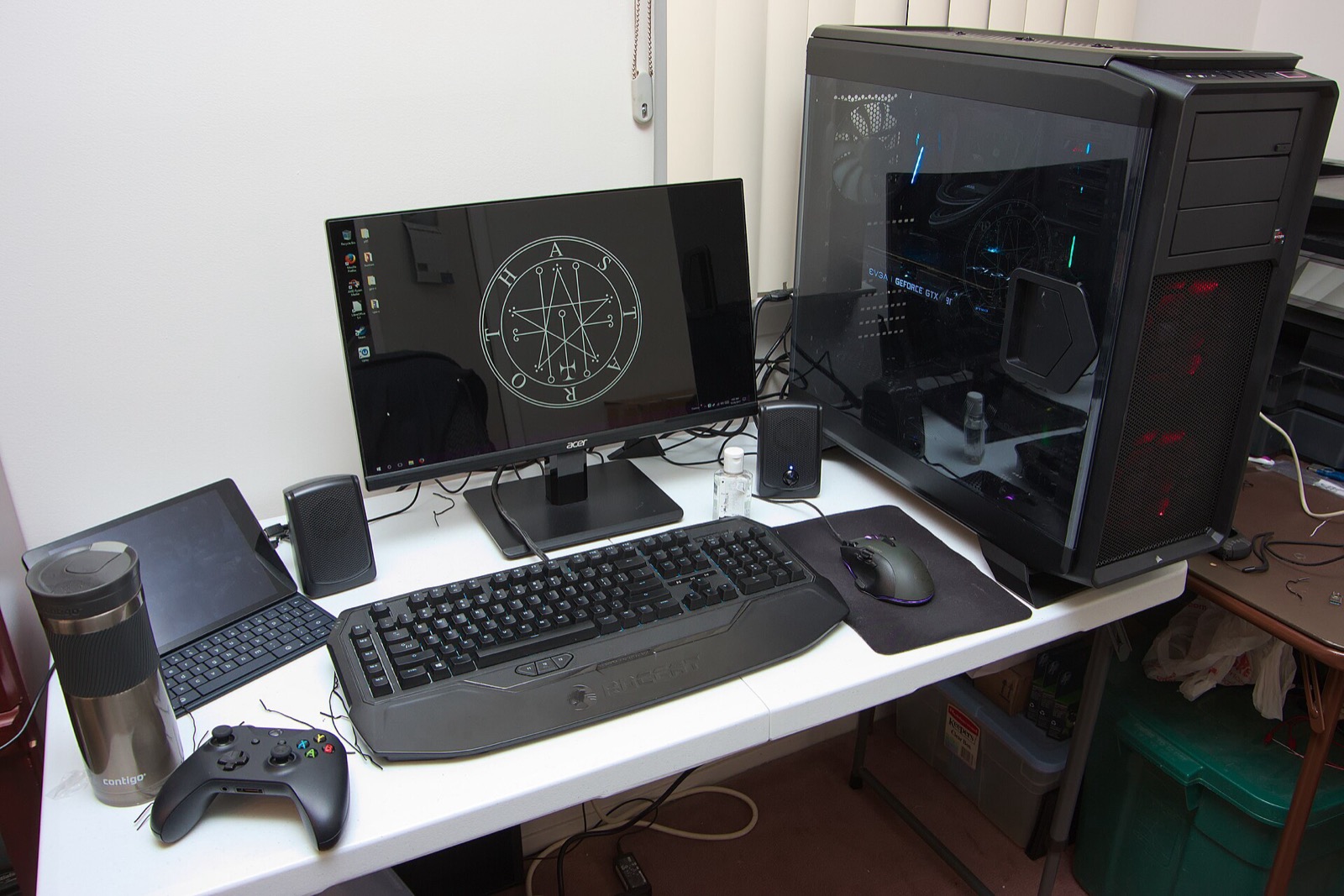
Luigi's Mansion Recompiled reads full analog L/R trigger travel (0 to 150) alongside the 85% digital L/R click threshold for Poltergust 3000 suction and Fire/Water/Ice pressure, plus dual-stick C-stick aiming via SDL3 and DSU:
| Controller | Best For in Luigi's Mansion | Hardware Advantage | Link |
|---|---|---|---|
| GameSir Cyclone 2 | Dual-stage analog & click triggers | TMR sticks + physical microswitch/analog trigger locks matching GameCube L/R click feel | View on Amazon |
| Sony DualSense | Smooth L2/R2 travel & SDL3 / DSU | Long-throw analog L2/R2 sensors, crisp D-pad for Game Boy Horror, USB/Bluetooth SDL3 | View on Amazon |
| 8BitDo Ultimate 2 Wireless | Windows, Linux & SteamOS dock play | Zero-drift TMR sticks, Hall analog triggers, charging dock, 2.4 GHz & Bluetooth switch | View on Amazon |
| Xbox Wireless Controller | Plug-and-play Windows 10/11 | Native SDL3 XInput binding with 500 ms refreshed rumble and 85% trigger click threshold | View on Amazon |
As an Amazon Associate, this site earns from qualifying purchases.

Common questions
Why did my Steam Deck freeze on a black screen at 60 or 90 FPS in older versions?
In versions prior to v1.1.5, a Linux glibc compatibility wrapper for hypotf accidentally resolved back to itself through the dynamic linker PLT, triggering infinite recursion the first time 2D interpolation blended a sliding UI element. Updating to v1.1.5 or v1.1.6 fixes it permanently.
Where is the crash log stored on Steam Deck and Linux?
Every launch via LuigisMansionRecompiled.sh writes ~/.local/share/Luigi's Mansion Recompiled/last_run.log (and preserves the prior run in previous_run.log), or portable/last_run.log in Portable Mode.
Can I update straight from Gaming Mode on Steam Deck?
Yes, as long as your Deck is connected to Wi-Fi and libcurl is present (included on SteamOS), opening F1 > Game > Updates downloads, verifies and installs new Linux tarballs in place.