PC, Linux and macOS System Requirements
Verified OS, GPU API, CPU, memory and driver requirements for running Luigi’s Mansion Recompiled from 30 FPS console accuracy up to 4K / 320 FPS.
- Windows: 10/11 x64 (D3D12)
- Linux: x86_64, glibc 2.34+ (Vulkan)
- macOS: 13+ Apple Silicon (Metal)
- Disk: ~2 GB + disc image
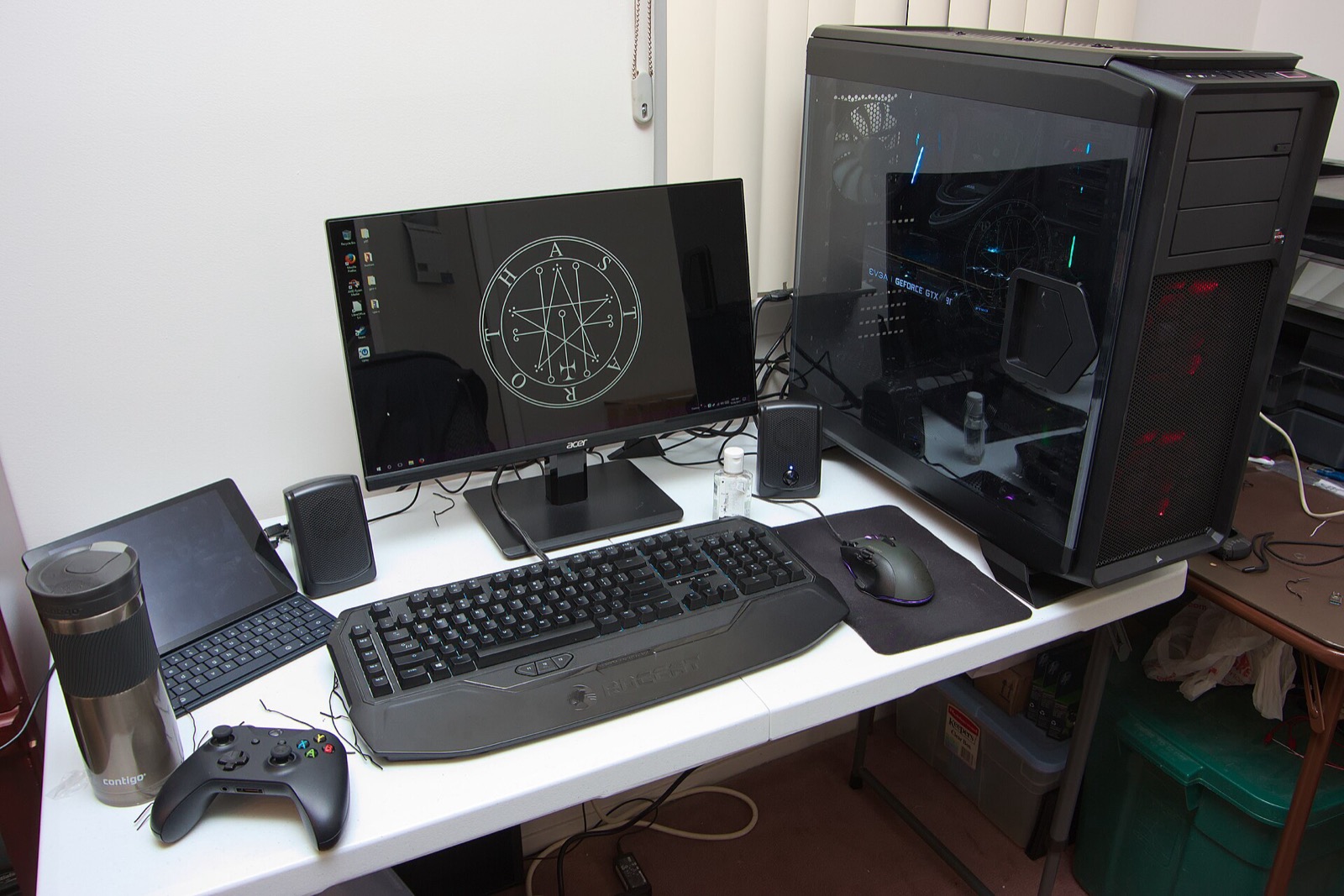
Platform specifications matrix
Because rob646464/luigis-mansion-recompiled compiles PowerPC game functions ahead of time into native machine code rather than emulating a CPU and JIT cache simultaneously, runtime CPU demand is remarkably light (~0.26 of a single modern core in the foyer at 30 Hz logic). Almost all hardware scaling comes from your chosen resolution, frame-rate target, Enhanced Lighting preset and HD texture budget.
| Component | Windows x64 | Linux x86_64 & Steam Deck | macOS (Community CI Build) |
|---|---|---|---|
| Operating System | 64-bit Windows 10 or Windows 11 | 64-bit Linux (x86_64 / amd64), glibc 2.34+, GCC 12+ libstdc++.so.6 (Ubuntu 22.04+, Mint 21+, Debian 12+, Fedora 36+, Arch, SteamOS 3.5+, Pop!_OS 22.04+) | macOS 13 Ventura or newer (Apple Silicon M1 / M2 / M3 / M4) |
| Graphics API | Direct3D 12 capable GPU | Vulkan driver (Mesa mesa-vulkan-drivers / vulkan-radeon / vulkan-intel, or proprietary NVIDIA driver) | Apple Metal (via Dawn) |
| Processor (CPU) | 64-bit x86_64 multi-core CPU (~0.26 cores for 30 Hz game logic; multi-core speeds up 20–60 s first-run compile) | 64-bit x86_64 CPU (Steam Deck Zen 2 APU or desktop AMD/Intel) | Apple Silicon ARM64 (M1 or newer; Intel Macs not packaged) |
| Memory (RAM / VRAM) | 4 GB+ system RAM (8 GB+ recommended for Enhanced Lighting + 2 GB default HD texture pack budget) | 4 GB+ RAM (16 GB shared APU memory on Steam Deck works out of the box) | 8 GB+ unified Apple Silicon memory |
| Free Disk Space | ~2 GB free (compiled native game module + Dawn/pipeline shader caches), plus space for your own disc image(s) and optional HD packs | ~2 GB free in ~/.local/share & ~/.cache (or portable/) | ~2 GB free in ~/Library (or portable/) |
| Audio & Display | WASAPI / SDL3 audio; any 4:3, 16:9, 21:9 or VRR / G-SYNC / FreeSync monitor | PulseAudio or PipeWire (pipewire-pulse); X11, Wayland or SteamOS Gamescope | CoreAudio; macOS Retina or external display |
GPU workload & memory profile
- Default Accurate GX Rendering: Runs smoothly at 1080p–4K and 60–120+ FPS on entry-level Direct3D 12 and Vulkan GPUs (including integrated AMD RDNA2/RDNA3 APUs and Intel Arc/Iris Xe) with ~3,043 precached pipelines (~20 s cold compile, ~0.5 s warm load).
- Enhanced Lighting + 4K / 120 FPS: Enables per-pixel lighting, volumetric ray-marched flashlight shafts, 12 shadow-casting colored lights and horizon-based AO (~8,969 pipelines; ~77–105 s one-time cold shader compile, ~1.6–2.2 s warm start; ~2.9 GB process RAM during cold compile after the
v1.1.5memory fix). On a modern desktop GPU, 4K / 120 FPS Enhanced Lighting measures roughly 6.7–8.9 ms GPU time per frame. - Weaker PC / iGPU Toggles: Under
F1 > Visuals > Rendering, accuracy passes with measurable GPU cost (EFB copy-to-RAM, Z textures, accurate copy filters) remain ON by default for console-faithful visuals but can be switched off individually on older GPUs. - Hybrid Intel 12th–14th Gen & Core Ultra CPUs: Since
v1.1.3(issue#18), critical runtime threads opt out of Windows EcoQoS throttling and schedule onto Performance cores (P-cores) so background tasks do not dip 60/120 FPS cutscenes.
Linux & NVIDIA driver notes
Before launching on Linux, verify your glibc version and Vulkan ICD in a terminal:
ldd --version          # Requires glibc 2.34 or newer
vulkaninfo --summary # From package vulkan-tools; confirms active Vulkan GPU- NVIDIA Linux users: Install NVIDIA’s proprietary driver package (which bundles NVIDIA’s Vulkan ICD) rather than Nouveau, and always run version
v1.1.4or newer (preferv1.1.6). Earlier builds polled a per-frame GPU completion check that froze NVIDIA Linux drivers after roughly 20 seconds (issue#2), andv1.1.5fixed a separatehypotfsymbol loop above 30 FPS. - AMD & Intel Linux users: Install Mesa’s Vulkan drivers (
mesa-vulkan-driverson Ubuntu/Debian/Mint/Fedora;vulkan-radeonorvulkan-intelon Arch). - Anti-aliasing on Linux & macOS: Dawn’s Vulkan and Metal backends support Off (1x) and 4x MSAA (whereas Windows Direct3D 12 supports 1x, 2x, 4x and 8x). Selecting 2x or 8x crashed Linux prior to
v1.1.2(issue#14); theF1menu now lists only supported sample counts. - Emergency OpenGL ES fallback: If an older Linux laptop lacks full Vulkan support, test
LM_BACKEND=gles ./LuigisMansionRecompiled.sh.
Analog L/R PC controllers
Luigi's Mansion Recompiled reads full analog L/R trigger travel (0 to 150) alongside the 85% digital L/R click threshold for Poltergust 3000 suction and Fire/Water/Ice pressure, plus dual-stick C-stick aiming via SDL3 and DSU:
| Controller | Best For in Luigi's Mansion | Hardware Advantage | Link |
|---|---|---|---|
| GameSir Cyclone 2 | Dual-stage analog & click triggers | TMR sticks + physical microswitch/analog trigger locks matching GameCube L/R click feel | View on Amazon |
| Sony DualSense | Smooth L2/R2 travel & SDL3 / DSU | Long-throw analog L2/R2 sensors, crisp D-pad for Game Boy Horror, USB/Bluetooth SDL3 | View on Amazon |
| 8BitDo Ultimate 2 Wireless | Windows, Linux & SteamOS dock play | Zero-drift TMR sticks, Hall analog triggers, charging dock, 2.4 GHz & Bluetooth switch | View on Amazon |
| Xbox Wireless Controller | Plug-and-play Windows 10/11 | Native SDL3 XInput binding with 500 ms refreshed rumble and 85% trigger click threshold | View on Amazon |
As an Amazon Associate, this site earns from qualifying purchases.
Common questions
Do I need to install Visual Studio, Python, Clang or CMake to play?
No. Every release package bundles its own freestanding LLVM compiler (clang + linker) inside llvm/bin/ solely to build the game module from your disc on first start.
Does Luigi’s Mansion Recompiled run on Intel-based Macs or Windows ARM?
Prebuilt macOS archives target Apple Silicon (arm64, M1 or newer) on macOS 13+, and Windows archives target 64-bit x86_64 Direct3D 12.
How much VRAM do Dolphin HD texture packs need?
F1 > Visuals > Texture packs lets you cap replacement texture VRAM anywhere from 512 MB to 8 GB (default 2 GB). Even a 4x upscaled test pack stays strictly inside a 64 MB or 512 MB cap by streaming out least-recently-used textures.